Open JSON File Online
Any Device, Any OS Open JSON files on Windows, macOS, Linux, iPhone(Android or iOS), and more. Fast, secure, and free — No Registration, No installation required.
Try Opening Your JSON File Now
Upload your JSON file to view, edit, and download it instantly in your browser. No software installation required.
Open JSON File OnlineFree • No Registration • View, Edit & Download
What is JSON?
JSON (JavaScript Object Notation) is a lightweight, text-based data interchange format derived from JavaScript. It was designed to be both human-readable and easy for machines to parse and generate. JSON has become the de facto standard for data exchange in web applications and APIs due to its simplicity and universality.
File Format: JSON files use plain text with .json extension. The format is human-readable and uses a minimal, readable syntax. Files are encoded in UTF-8 by default.
Data Types: Supports six primary data types: strings (in double quotes), numbers (integer or floating-point), booleans (true/false), null, arrays (ordered lists), and objects (key-value pairs).
Structure: Built on two universal structures: a collection of name/value pairs (objects) and an ordered list of values (arrays). These structures map directly to data structures in most programming languages.
Syntax: Uses simple and intuitive syntax with curly braces for objects, square brackets [] for arrays, and colons : to separate keys from values. No trailing commas are allowed.
Parsing: Native support in JavaScript via JSON.parse() and JSON.stringify(). Most programming languages include built-in JSON libraries or parsers.
📊Use Cases
Web APIs
- • REST API responses and requests
- • Configuration files for web apps
- • Data exchange between services
- • AJAX and fetch API calls
Configuration
- • Application settings and configs
- • Package managers (npm, yarn)
- • Build tools and bundlers
- • CI/CD pipeline configurations
Data Storage
- • NoSQL databases (MongoDB, CouchDB)
- • Local storage and session storage
- • Data export and import
- • Logging and analytics data
Development
- • Testing data and mocks
- • Schema definitions and validations
- • Data serialization/deserialization
- • Internationalization (i18n) files
How to Open JSON File Online?
Follow these simple steps to open, view, and edit your JSON file online. Our viewer supports .json files with powerful editing capabilities.
📋Step-by-Step Guide
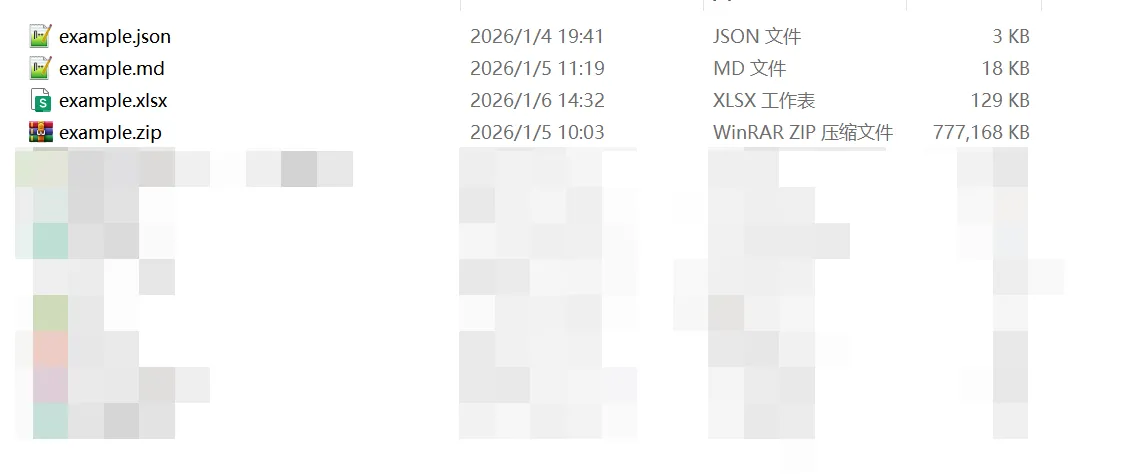
Prepare Your JSON File
Locate the JSON file on your device. Make sure it has the correct extension:
JSON files are plain text files containing structured data. They can be created by any text editor or exported from applications and APIs.

Upload Your File
Go to our homepage and upload your file in one of these ways:
- •Click to browse: Click the upload area and select your file from the file picker
- •Drag and drop: Drag your JSON file from your computer and drop it onto the upload area
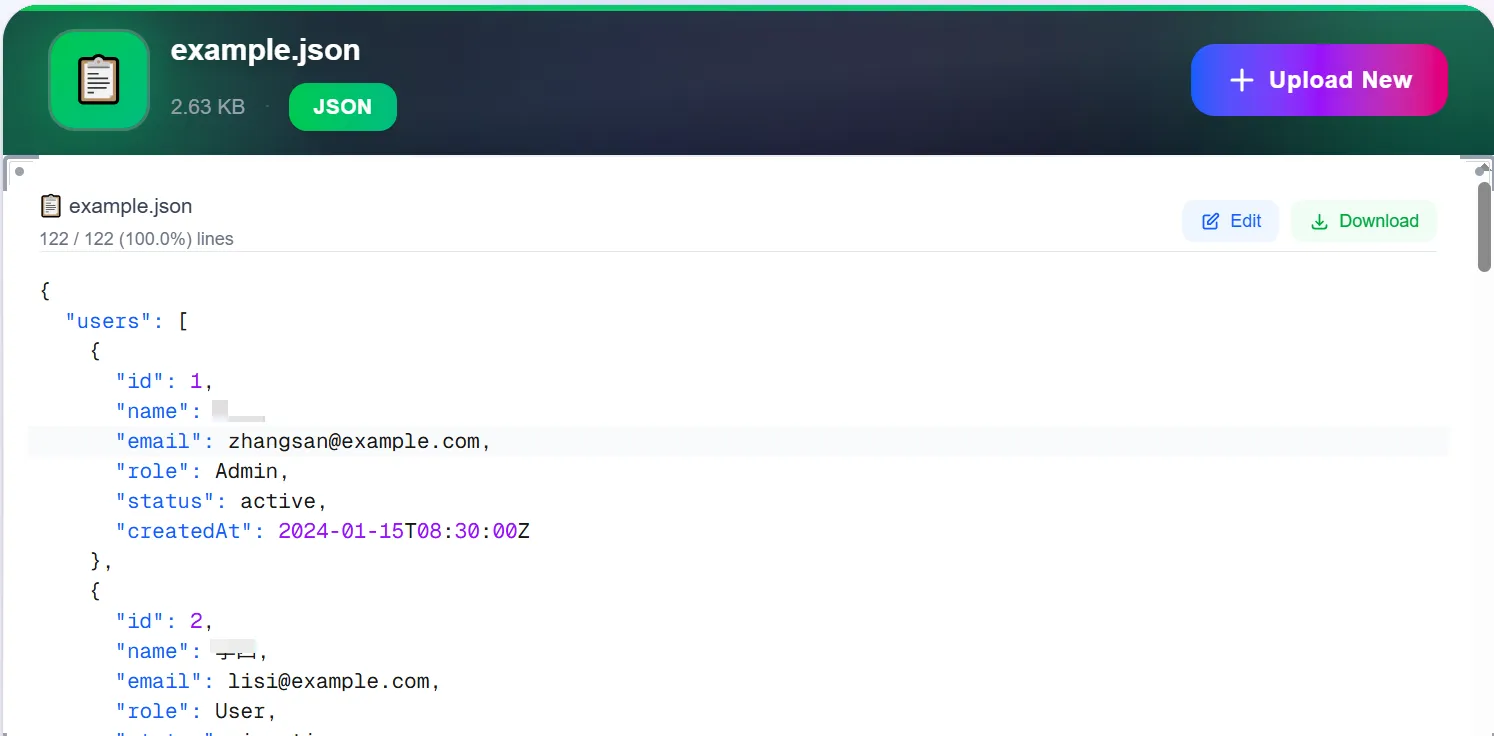
View, Edit, and Download
Your file will be displayed with a powerful editor that includes:
- ✓Syntax highlighting: Color-coded display for easy reading
- ✓Tree view: Collapsible/expandable nested structures
- ✓Online editing: Modify values, add or delete fields directly
- ✓Download edited JSON: Save your changes back to your device
- ✓Validation: Real-time error checking and format validation
⚡Key Features of Our JSON Editor
Edit Online
Make changes to your JSON data directly in the browser with our intuitive editor
Download Changes
Save your edited JSON file back to your device with one click
Format & Beautify
Automatically format and beautify your JSON for better readability
Validate & Error Check
Real-time validation ensures your JSON is always properly formatted
Conclusion
Opening and editing JSON files online has never been easier. Our platform provides a comprehensive solution for viewing, modifying, and downloading JSON data without any software installation. Whether you're a developer debugging API responses, configuring applications, or working with data exports, our online JSON viewer and editor offers the perfect balance of simplicity and functionality.
With features like syntax highlighting, tree view, online editing, and one-click download, you can work with JSON files efficiently and securely. No registration required, no data uploaded to servers—just fast, private, and free JSON handling whenever you need it.