Open Markdown File Online
Any Device, Any OS Open Markdown files on Windows, macOS, Linux, iPhone(Android or iOS), and more. Fast, secure, and free — No Registration, No installation required.
Try Opening Your Markdown File Now
Upload your Markdown file and view it instantly in your browser. No software installation required.
Open Markdown File OnlineFree • No Registration • Instant Viewing
What is Markdown?
Markdown is a lightweight markup language created by John Gruber in 2004. It allows people to write documents in plain text format that is easy to read and write, while still being convertible to structurally valid HTML and other formats. The main goal of Markdown is to make writing for the web as simple and intuitive as possible.
File Format: Markdown files use plain text with .md or .markdown extensions. The format is human-readable and can be edited with any text editor. No special software required.
Syntax: Uses simple punctuation characters to format text. For example, # for headings, * or _ for emphasis, []() for links, and \` for code blocks.
Convertibility: Can be easily converted to HTML, PDF, DOCX, and other formats using various processors like Pandoc, Markdown-it, or marked.js.
Flavors: Several variants exist including CommonMark (standardized), GitHub Flavored Markdown (GFM), MultiMarkdown, and more, each adding additional features.
📝Use Cases
Documentation
- • Software documentation (README files)
- • API documentation
- • Technical guides and tutorials
- • Knowledge base articles
Content Creation
- • Blog posts and articles
- • Note-taking and personal knowledge
- • Academic writing and papers
- • Books and ebooks
Development
- • GitHub project documentation
- • README.md in repositories
- • Changelog and release notes
- • Code comments and guides
Communication
- • Slack and Discord messages
- • Forum posts and discussions
- • Email newsletters
- • Technical documentation sharing
How to Open Markdown File Online?
Follow these simple steps to open your Markdown file online. Our viewer supports both .md and .markdown file formats.
📋Step-by-Step Guide
Prepare Your Markdown File
Locate the Markdown file on your device. Make sure it has one of these extensions:
Both .md and .markdown extensions are widely used and supported. The .md extension is more common and recommended for brevity.
Upload Your File
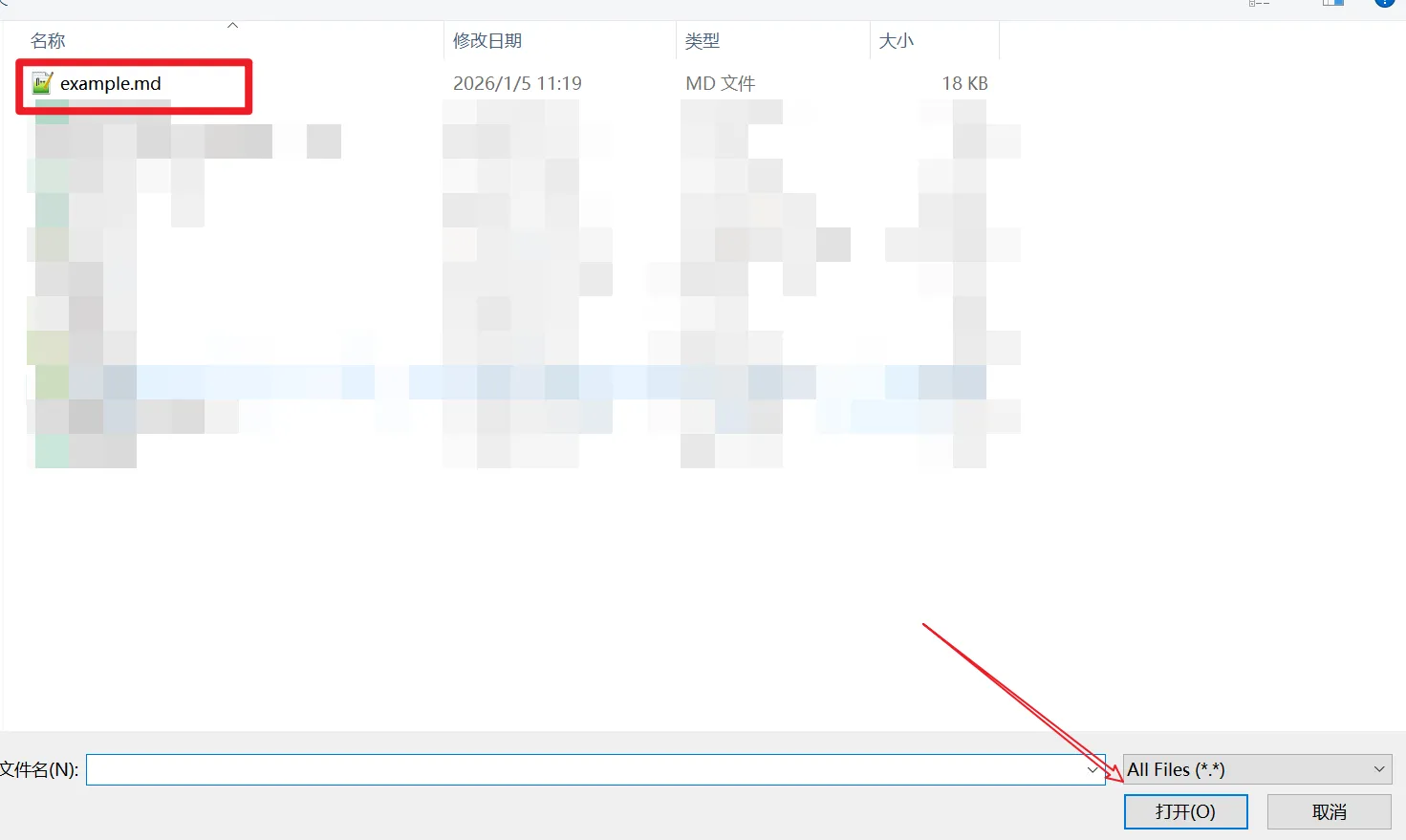
Go to our homepage and upload your file in one of these ways:
- •Click to browse: Click the upload area and select your file from the file picker
- •Drag and drop: Drag your Markdown file from your computer and drop it onto the upload area
View Your Markdown Document
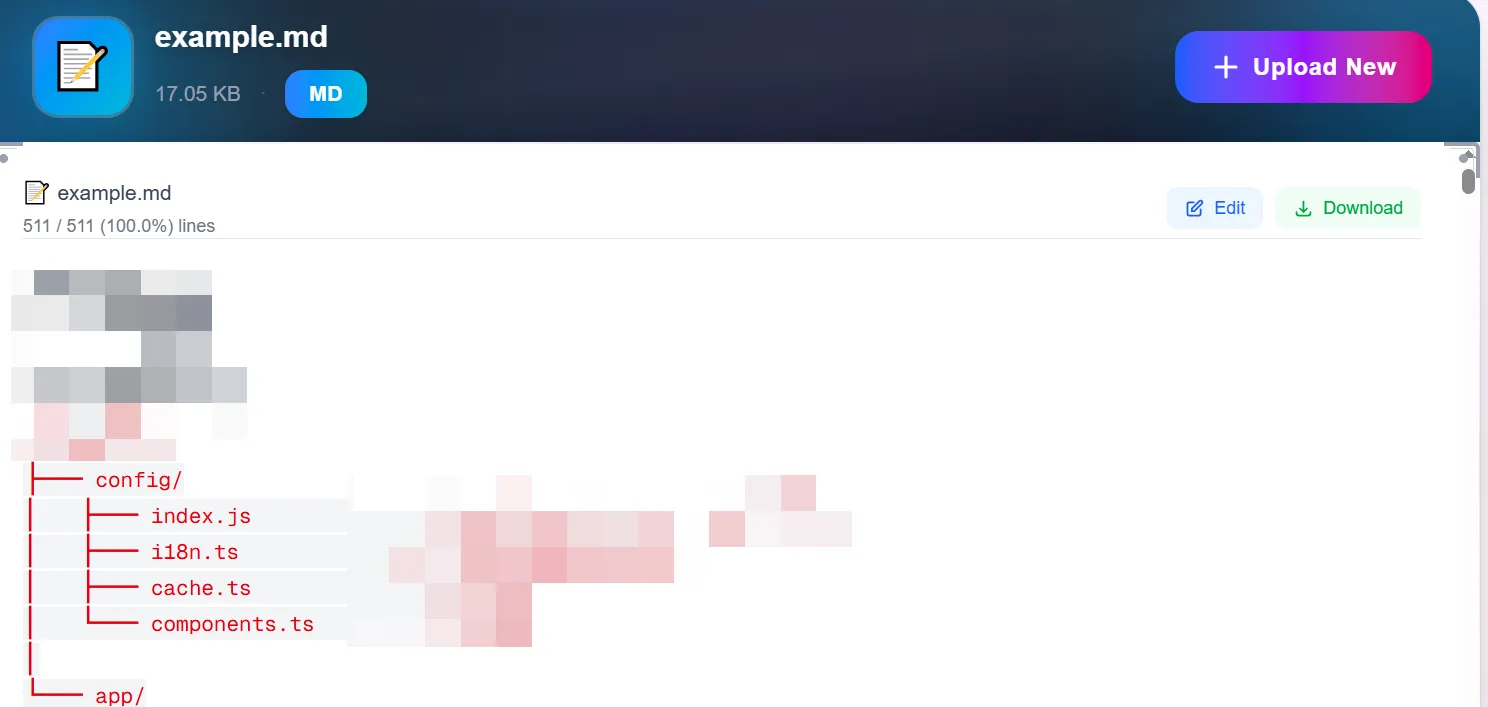
Your file will be processed instantly and displayed with:
- ✓Formatted headings, paragraphs, and text styling
- ✓Code blocks with syntax highlighting
- ✓Links, images, and lists rendered properly
Conclusion
Opening Markdown files online doesn't require any special software installation. Whether you need to quickly view a README file, check documentation, or preview your Markdown content, online tools provide convenient, secure, and free alternatives to desktop applications.
Our platform ensures you can view your .md and .markdown files instantly while maintaining complete privacy and security. No software to download, no accounts to create—just simple, fast file viewing when you need it.