Open XML File Online
Any Device, Any OS Open XML files on Windows, macOS, Linux, iPhone(Android or iOS), and more. Fast, secure, and free — No Registration, No installation required.
Try Opening Your XML File Now
Upload your XML file to view, edit, and download it instantly in your browser. No software installation required.
Open XML File OnlineFree • No Registration • View, Edit & Download
What is XML?
XML (Extensible Markup Language) is a markup language designed for storing and transporting data. It was created by the World Wide Web Consortium (W3C) in 1996 as a simplified subset of Standard Generalized Markup Language (SGML). XML defines a set of rules for encoding documents in a format that is both human-readable and machine-readable, making it ideal for data exchange between different systems and platforms.
File Format: XML files use .xml extension and consist of plain text with tags enclosed in angle brackets (< and >). Files are typically encoded in UTF-8 and can be opened with any text editor.
Structure: Uses a hierarchical tree structure with elements, attributes, and text content. Every XML document must have a single root element that contains all other elements. Documents must be well-formed and properly nested.
Syntax: Tags are case-sensitive and must be properly closed. Elements can have attributes providing additional information. Special characters like <, >, &, quotes, and apostrophes must be escaped.
Validation: XML can be validated against Document Type Definition (DTD) or XML Schema (XSD) to ensure it conforms to a specific structure and set of rules.
Extensibility: Unlike HTML with predefined tags, XML allows users to create their own custom tags and document structures, making it extremely flexible for various applications.
📊Use Cases
Data Exchange
- • SOAP web services
- • API responses and requests
- • B2B data integration
- • EDI transactions
Configuration
- • Application settings (web.xml, config.xml)
- • Spring Framework beans
- • Maven pom.xml files
- • Android manifest files
Document Formats
- • Microsoft Office (DOCX, XLSX, PPTX)
- • RSS and Atom feeds
- • SVG vector graphics
- • XHTML web pages
Data Storage
- • Sitemaps for SEO
- • Databases and datasets
- • Scientific data formats
- • Financial data (XBRL)
How to Open XML File Online?
Follow these simple steps to open, view, and edit your XML file online. Our viewer supports .xml files with powerful editing capabilities.
📋Step-by-Step Guide
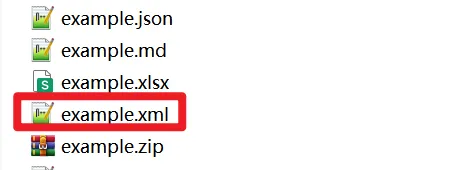
Prepare Your XML File
Locate the XML file on your device. Make sure it has the correct extension:
XML files are plain text files containing structured data with tags. They are used across countless applications and systems worldwide.
Upload Your File
Go to our homepage and upload your file in one of these ways:
- •Click to browse: Click the upload area and select your file from the file picker
- •Drag and drop: Drag your XML file from your computer and drop it onto the upload area
View, Edit, and Download
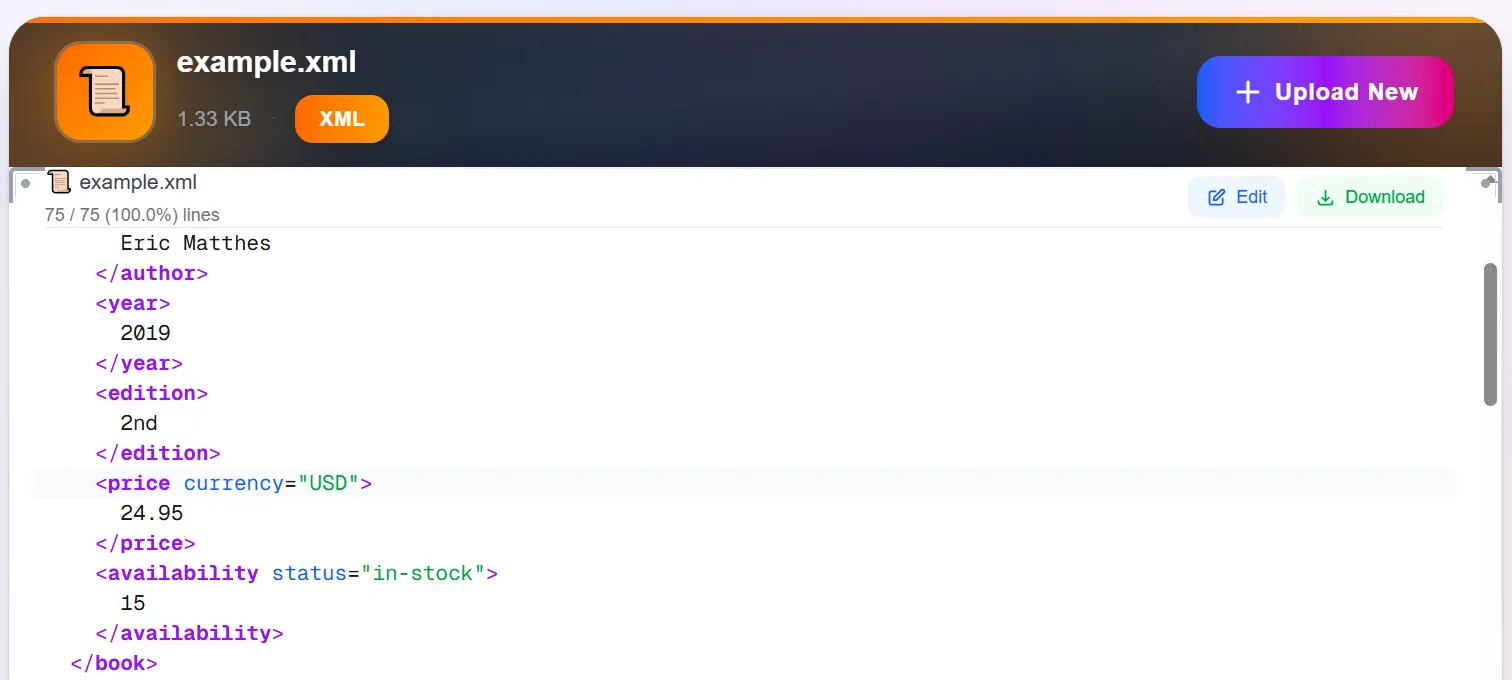
Your file will be displayed with a powerful editor that includes:
- ✓Syntax highlighting: Color-coded tags and attributes for easy reading
- ✓Tree view: Collapsible/expandable hierarchical structure
- ✓Online editing: Modify elements, attributes, and content directly
- ✓Download edited XML: Save your changes back to your device
- ✓Validation: Real-time well-formedness checking and error detection
⚡Key Features of Our XML Editor
Edit Online
Make changes to your XML data directly in the browser with our intuitive editor
Download Changes
Save your edited XML file back to your device with one click
Format & Beautify
Automatically format and beautify your XML for better readability
Validate & Error Check
Real-time validation ensures your XML is always well-formed
Conclusion
Opening and editing XML files online has never been easier. Our platform provides a comprehensive solution for viewing, modifying, and downloading XML data without any software installation. Whether you're a developer working with configuration files, debugging API responses, or processing structured data, our online XML viewer and editor offers the perfect balance of simplicity and functionality.
With features like syntax highlighting, tree view, online editing, and one-click download, you can work with XML files efficiently and securely. No registration required, no data uploaded to servers—just fast, private, and free XML handling whenever you need it.